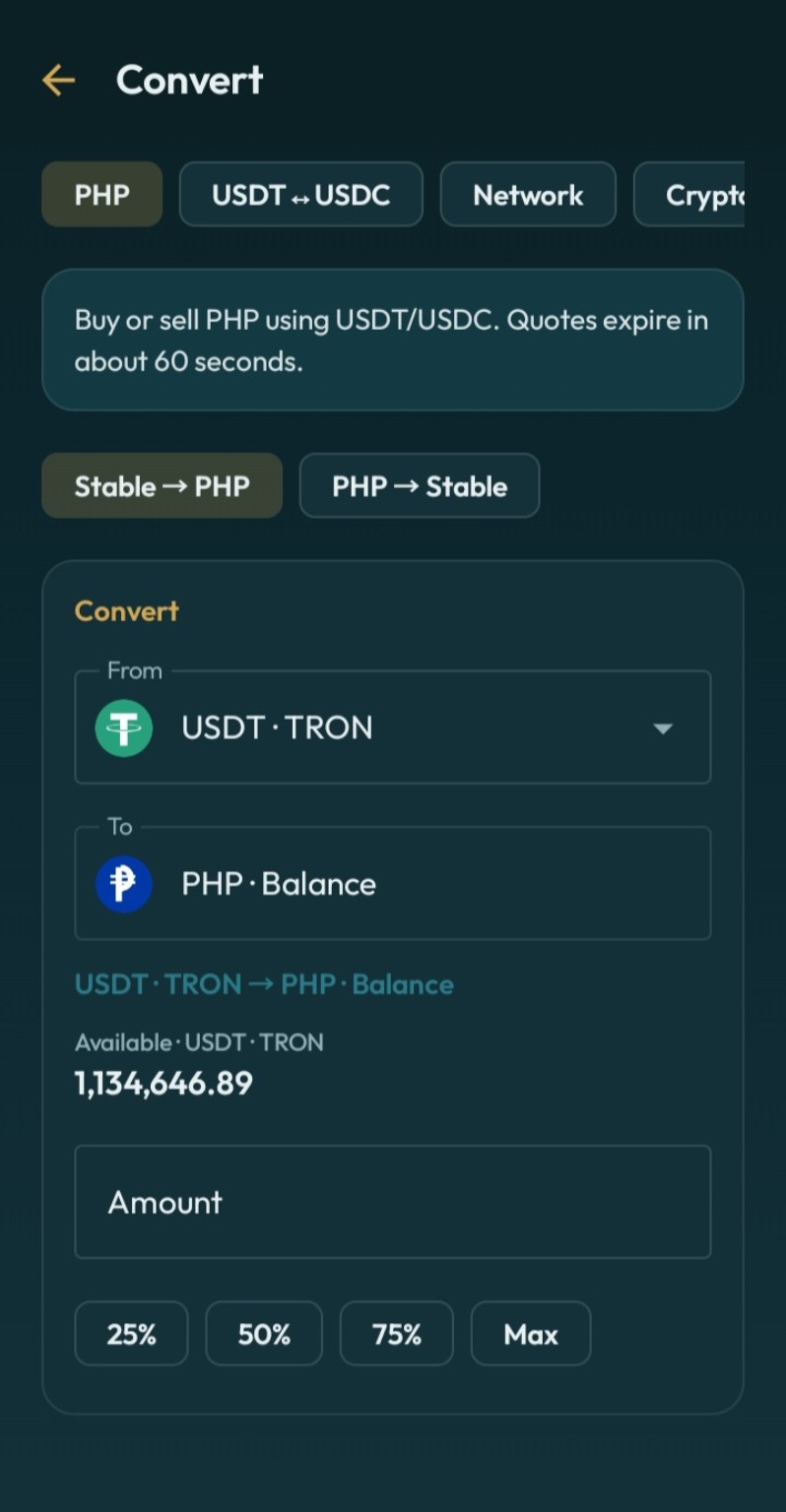
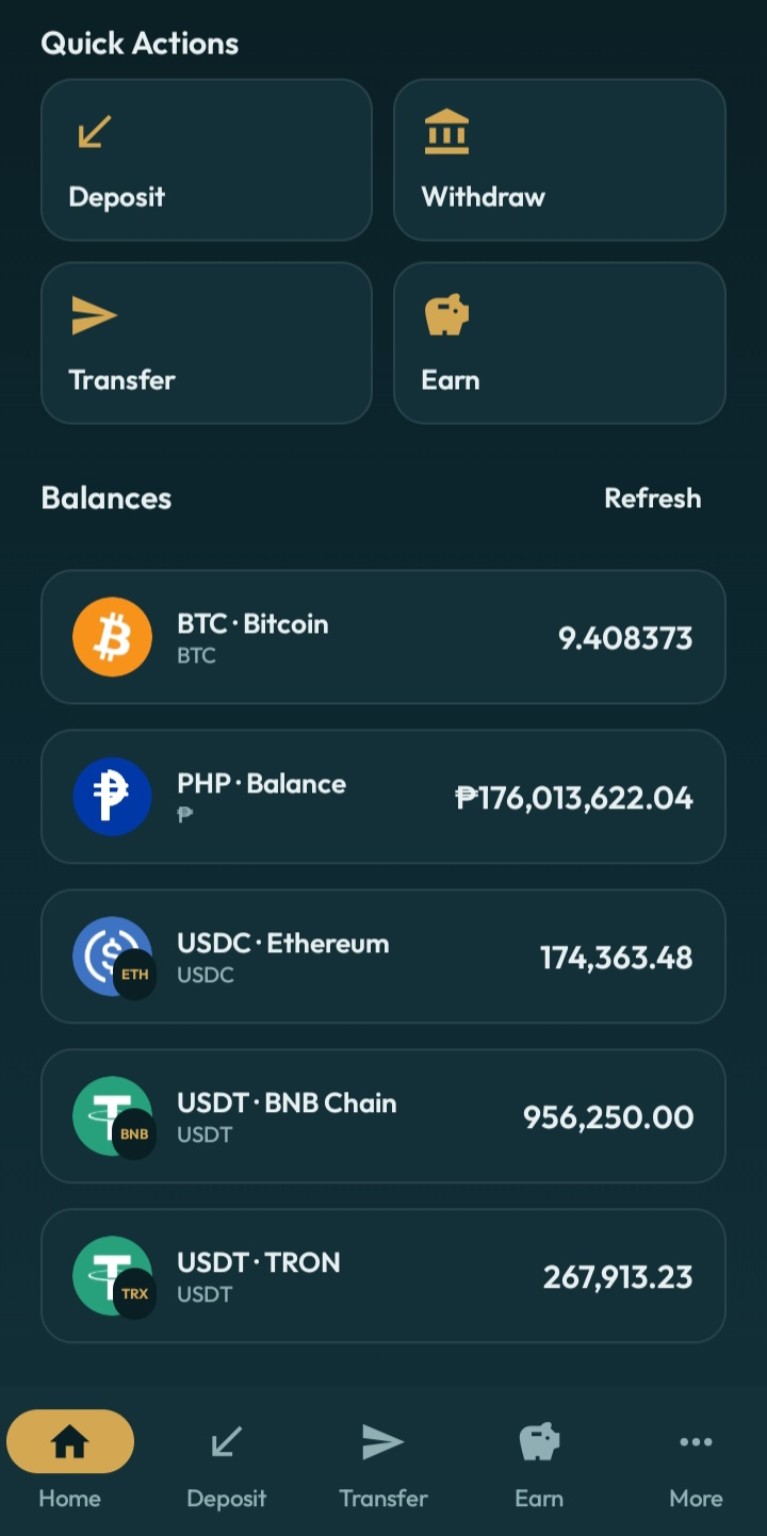
Deposit & Withdraw
Receive supported Crypto Networks and withdraw Crypto or PHP using supported payout methods.
 ZuZu
Official ZuZu Android APK
ZuZu
Official ZuZu Android APK
Download the official ZuZu Wallet APK for fast access to deposits, withdrawals, instant ZuZu transfers, swaps, PHP conversions, and Earn.
For Android Devices. Downloaded directly from dl.zuzuwallet.com.
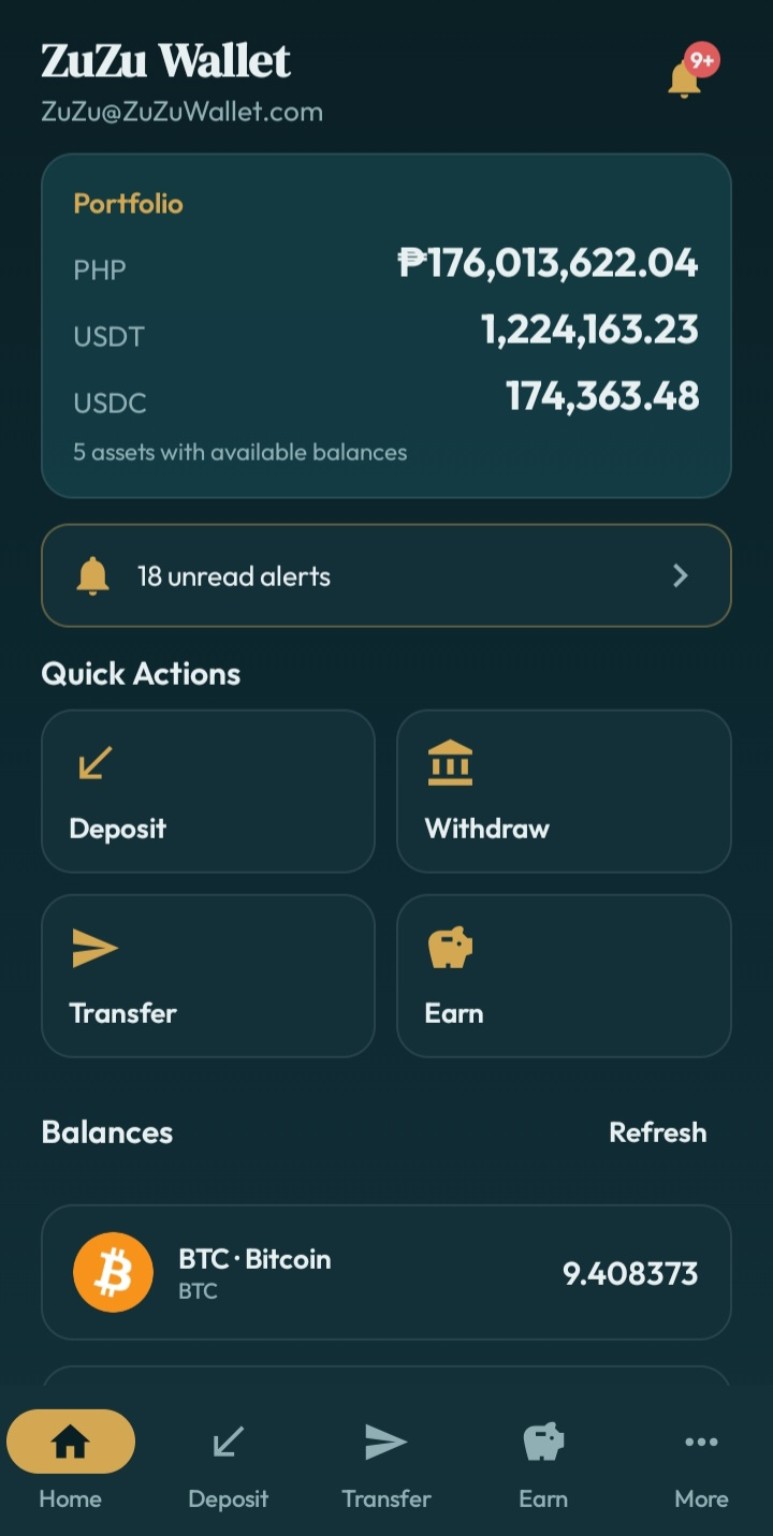
Manage Crypto and PHP from one polished Android experience.
Receive supported Crypto Networks and withdraw Crypto or PHP using supported payout methods.
Convert between PHP, USDT, USDC, BTC, ETH, BNB, TRX, and supported networks with clear review screens.
Send supported assets to another ZuZu user using their username or email, with instant internal transfers.
Choose flexible rewards or fixed terms for eligible USDT, all from inside your ZuZu account.
Create payment links and QR codes, receive requests, and keep your recent activity easy to follow.
A dedicated Android app with app lock, passkey support, push notifications, and deep links.
ZuZu supports modern authentication and approval methods designed to protect access to your account and sensitive actions.
Balances are kept separate by network. Always choose the network that matches the sender and receiver.
The APK installs directly on supported Android devices.
Tap the official download button on this page.
Open the downloaded APK from your browser or Downloads app.
If Android asks, allow installation from the app you used to download it.
Launch the app, sign in to your ZuZu account, and you're ready.
Compare this checksum with the APK you downloaded to verify the file matches the published release.
Follow product updates or open the ZuZu Telegram Bot from the official links below.
Yes. This download page is hosted at dl.zuzuwallet.com. For safety, avoid installing APK files shared from unknown websites, chats, or unofficial mirrors.
Android may ask you to allow installations from the browser or file manager you used to open the APK. This is a standard Android protection for apps installed outside an app store.
Updating the official app normally replaces the existing app installation. Your ZuZu account is tied to your account credentials, not to a single APK file. Keep your sign-in and security methods available.
Yes. ZuZu supports passkeys and authenticator-app verification for supported security flows.
USDT is supported on TRC20, BEP20, ERC20, and Arbitrum. USDC is supported on BEP20, ERC20, and Arbitrum. Always verify the selected network before sending funds.